
Visually appealing blog posts are the lifeblood of your blog.
You should really take some time to learn how to craft visually appealing blog posts.
Your entire website will be greatly improved if your blog posts have an attractive, inviting and professional look.
So give thought to how they appear to your readers.
Do your blog posts draw them in and attract them to your blog?
Or do they seem boring, static, disorganized and even confusing?
Here are 16 things that will help your blog posts look great.
16 ways to make visually appealing blog posts
1 – Layout
Just like you have to consider the overall layout of your website, your blog posts also need to have an appealing layout.
The first thing you’ll want to do is decide if you want a 1-column or 2-column blog post.
Now, just because you may have a 2-column website, doesn’t mean that you can’t have your individual blog posts appear in a single column.
This website is set in 2 columns, with the right column being the sidebar.
Special: Join Donna’s Free VIP Blogging Club – Free Now… Free Forever
The sidebar usually has mostly promotional widgets… things to buy, join or click through to.
Now if you read any individual blog post on my site, it will be a single column even though my website is in two columns.
I do that because I don’t think people like to keep seeing my promotional sidebar.
It detracts from the content I am presenting in my blog posts.
So these are the kinds of things you’ll want to think about when considering how you want your blog posts to appear.
2 – White space
You need a lot of white space in your website design so people could be focused on one or two things, and not get overwhelmed with visual overload.
The same goes true for your blog posts.
I usually have only one sentence in each paragraph.
That’s because it makes it easier on the eye, and gives readers a visual relief from a constant splurge of black text.
You’ll have to figure out how much white space you want in your blog posts.
But I think you’d do well to try to include as much white space as feasible.
It makes your articles more visually appealing and engaging.
3 – Social share buttons
Just like your website needs social media buttons that link to your social channels, your blog posts themselves should have clearly visible social media SHARE buttons.
That makes your posts look more engaging because people can share your articles with the single click of a button.
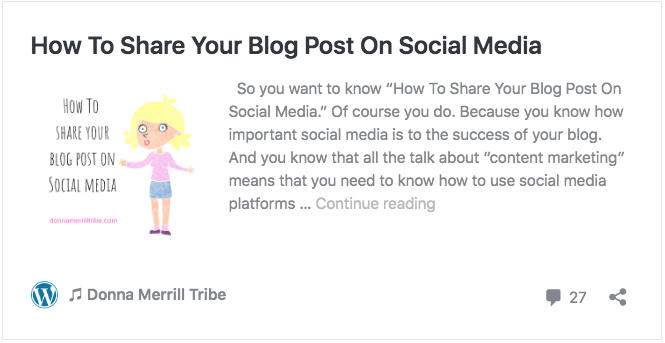
Of course, this helps build your brand across social media channels.
But it also lends credibility to your blog posts.
And that’s because the social share buttons give the appearance that your blog posts enjoy a social following.
4 – Sidebar
There are many things you can do with your sidebar.
Like I said before, though, I don’t actually display my sidebar on my blog posts.
But if you do, then think about how attractive your sidebar is.
Don’t make it cluttered and confusing.
Avoid the temptation of displaying adverts for tons of things.
Your sidebar should primarily have social media buttons, an optin box, and maybe one sales pitch.
As always, try to have a lot of white space on your sidebar, just like in your blog posts.
5 – Headings hierarchy
Your blog posts need to be broken into sections, not just an endless series of text.
Typically, your title has an h1 heading.
Then the article itself should follow a standard hierarchy of h2, h3 and h4 headings.
This will make your blog display like an expanded outline (which it is) instead of a big block of text with run-on sentences and paragraphs.
Headings also help you create more white space in your articles.
6 – Author box
An author box is simply a text box with your author bio and description at the end of your blog posts.
It’s another added visual that makes you look authoritative.
And it also builds engagement with your readers, as they get to know you a bit more.
It’s like the author bio on a book cover flap.
7 – Comment section
To make your blog posts more readable, fun and interactive, you need a comment section.
Your comment section should be part of your regular blog theme or blogging platform.
But it will only be appealing to readers if you have a comment thread for them to read through.
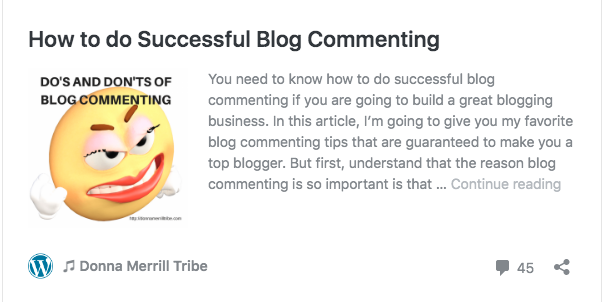
So make sure you ask people to leave a comment at the end of each article you write.
Then, make it your business to reply to all the comments people do leave.
This gives your blog more of a community sense, and makes it feel interactive.
8 – Opt-ins
You want people to have a way to join your email list.
Again, this builds blogging engagement and makes your blog posts look more appealing.
Now, adding a sidebar opt-in box where people can subscribe (opt in) to your email list is an excellent design tactic.
But don’t be shy about embedding an opt-in box within your blog post, too.
It can be small or banner sized.
Your autoresponder service will have instructions on how to do this.
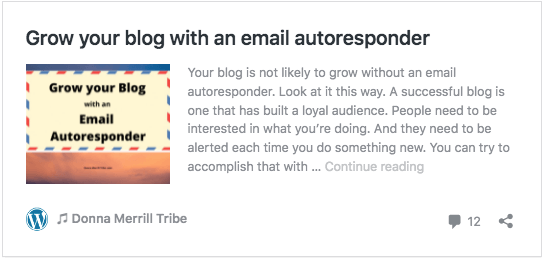
To keep things really simple, you can also simply create a squeeze page to get subscriptions, and then link to it within the text of your blog post.
9 – Bullet lists
Bullet lists are essential to making your blog posts more readable.
They add to the white space of your articles.
And they make them easier to scan for information, or to see how you’re developing your topic.
Try to add at least one bullet list to each of your articles.
10 – Text boxes
Text boxes are not used often enough, in my opinion.
They are simply text-containing boxes that are inserted within your blog post.
Special: Join Donna’s Free VIP Blogging Club – Free Now… Free Forever
Text boxes could be content extenders… text explaining more fully some aspect or your article.
Or they might be supporting stories, anecdotes or research.
Essentially, text boxes are simply container elements you embed into your blog post with whatever text you put into them.
They may be simple, but they certainly make for visually appealing blog posts.
11 – Images
Images are really important to dress up your blog posts.
They make your articles more reader-friendly.
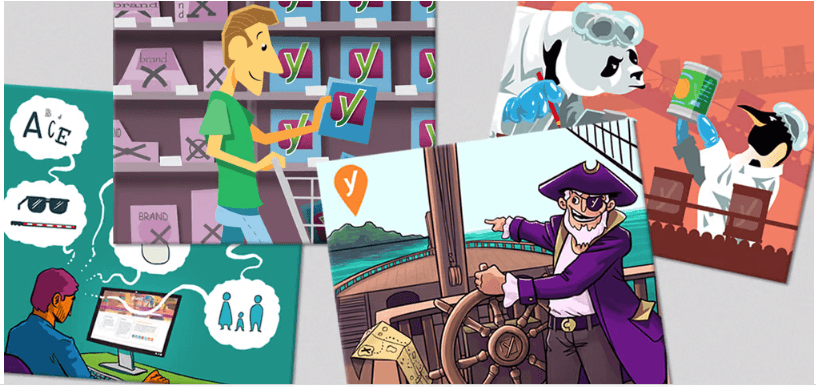 Learn all about blog post images from Yoast: Why need them and where to find them.
In addition, they improve the UX (User Experience) of your blog.
And they certainly make for visually appealing blog posts.
You can buy stock images on many sites like Shutterstock, or get free ones from Pixabay, Pexels, Unsplash or others.
12 – Videos
Videos, like images, build engagement and community.
They add white space and break the monotony of run-on text.
Live videos are especially powerful, since they can be used to give you, the blogger, a face to face encounter with your readers.
And unlike a regular video, live videos have an immediacy and sense of reality that really grabs the attention of your audience.
13 – Links
Your blog posts are always more interactive and helpful when you include links.
These links can redirect your reader to other articles written by yourself, or by others.
In fact, all of your blog posts should include some links of both types.
It’s a great way to add content upgrades to your articles, meaning additional or advanced content on the topic you are writing about.
14 – Banners
Banners are simply images that link to other content.
They are really just visual links, but instead of linking text, you are linking a banner image.
These can be used for advertising products and services, or for content upgrades.
You can make your own banners for free on Canva.
If you’d rather have someone do it for you, try places like Fiverr or Upwork.
15 – Pop-ups
Popups are pretty much the same as banners, except they “pop up” as your reader scrolls through your article.
Many people find them annoying because they usually link to advertising of some sort.
But, keep in mind, you can also use them to link out to content upgrades, like “click to read another article on this topic,” etc.
You can do some very creative things like pop-ups, content upgrades and more with Thrive.
Build “Content Upgrades” + “Landing Pages” Into Your Blog Posts, Seamlessly & Fast
I used Thrive to create this Start Blogging page for my blog.
It’s extremely basic, and you can do a lot more things with it.
But you can see how much more visually appealing it can make your blog posts.
16 – Ads
Ads are not usually thought of as making your blog posts look more appealing.
Just the opposite.
They are considered a distraction… and an annoying distraction at that.
Special: Join Donna’s Free VIP Blogging Club – Free Now… Free Forever
But if your ads are offering products and services related to your article, and products and services that can actually help people solve the problem you are writing about… they can be a welcome addition to your articles.
In fact, they can even become one of the big reasons people want to read your blog posts… to be introduced to products and services they are truly interested in.
Make your blog posts visually appealing
The visual design of your blog posts is an important aspect of your business.
Consider using some of the 16 visual elements I’ve briefly described above.
Your readers will appreciate your efforts to reach out to them by making your articles more attractive and user friendly.
These visual elements will certainly make your blog posts more lively, interesting and engaging.
And they will make them appear more professional and trustworthy.

Now, I’d really appreciate you leaving me a comment below.
Which of these visual elements do you think are most useful for YOUR blog posts?
In what ways do you think they can help you make visually appealing blog posts?
-Donna
PS: Don’t forget to share this article on your favorite social sites. Much thanks 🙂


Comments are closed.